✦ Y2KCollage

Y2K Photo Collage Maker

Turn your photo into a Y2K photocard (gu ka) style poster with AI — free, no sign-up, no download required.

AI-Powered Free No Sign-Up
📸 Click to upload or drag & drop

JPG · PNG · WebP · Max 8 MB

Adding that retro magazine grain...

This usually takes 10–20 seconds

Drag the slider to compare

Y2K aesthetic collage poster result Original photo for comparison

Y2K Collage Examples

See what the AI transformation looks like — Y2K photocard (gu ka) style.

👤
Original portrait

Before — Regular selfie

✨🃏💖
Y2K Gu Ka Style

After — Y2K photocard collage

Note: Example previews are illustrative. Real results are generated from your photo. Add your own screenshots here after testing.

How to Make a Y2K Photo Collage

Create your own y2k aesthetic collage in three simple steps.

1
Upload your photo

JPG, PNG or WebP. We auto-resize so it works on mobile too.

2
Hit Generate

AI transforms your shot into a Y2K photocard (gu ka) collage poster in ~15 seconds.

3
Download & Share

Save your y2k collage maker result and post it anywhere you like.

What is a Y2K Photo Collage?

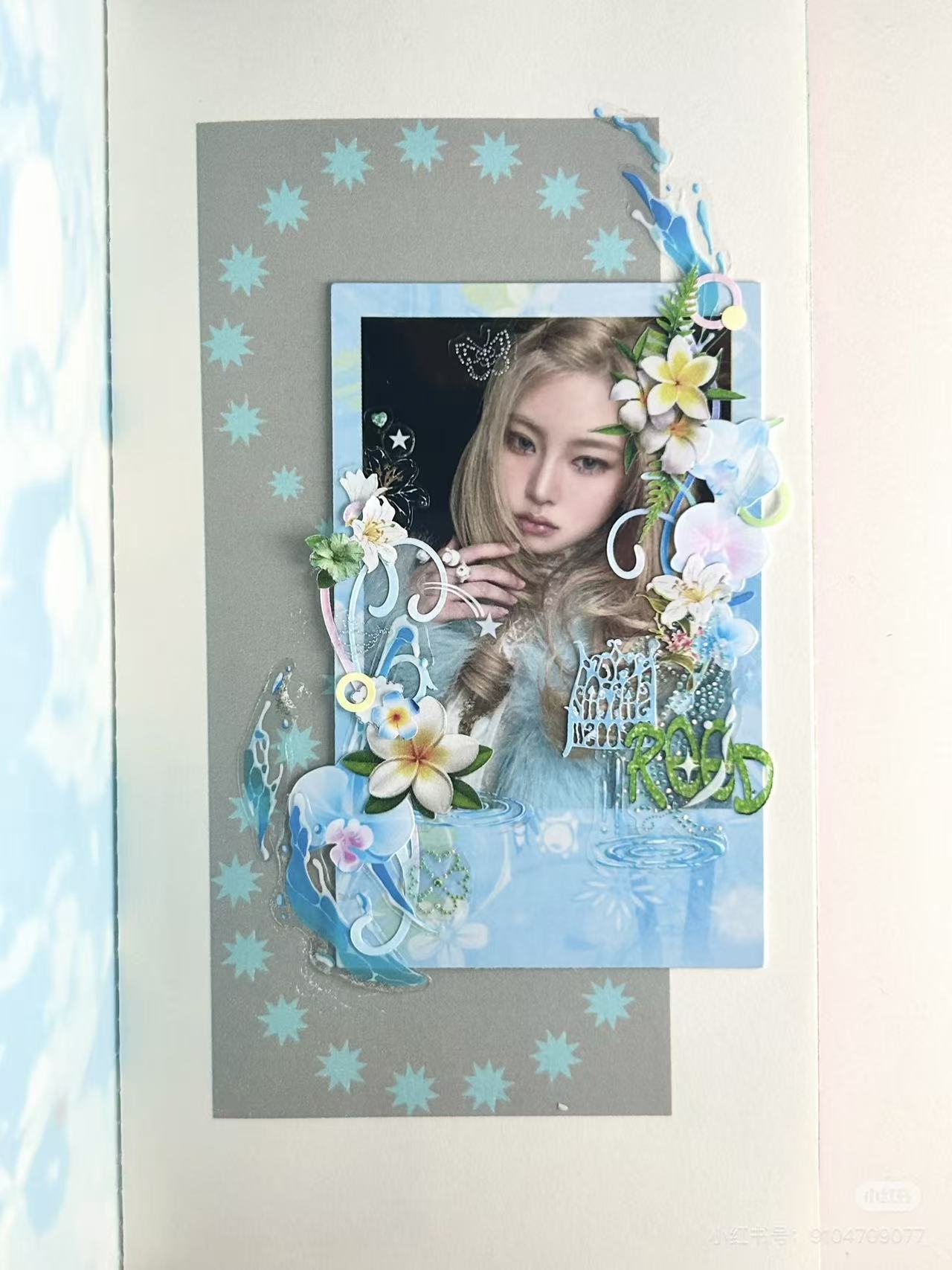
A Y2K photo collage captures the visual energy of the early 2000s — bold gradients, shiny chrome text, bubbly stickers, film grain, and that unmistakable "magazine cutout" energy. The y2k aesthetic collage trend resurged on TikTok and Pinterest in the 2020s as Gen Z rediscovered the chaotic optimism of millennium-era design.

Our tool specialises in the Y2K photocard ("gu ka") aesthetic — highly saturated colours, sticker-style elements with bold white outlines, and dreamy layered compositions. Think of a Korean-style photocard mixed with Y2K graphic design: the result is instantly shareable and uniquely you. No Photoshop, no sign-up — just upload and let the AI handle it.
Frequently Asked Questions

Is this Y2K photo collage maker free?
Yes — completely free. You can generate up to 8 posters per day. No account, no credit card, no hidden paywall.
Do I need to sign up or download an app?
No download, no sign-up. It's 100% browser-based. Works on mobile and desktop.
What happens to my uploaded photo?
Your photo is transmitted securely to Google's Gemini AI service for style processing. We do not store your original photo or the generated result on our servers — both are discarded immediately after the request completes. Your image is never used to train any AI model.
How long does it take to generate my collage?
Typically 10–20 seconds. You'll see a progress animation while the AI is working. If it takes longer than 30 seconds, try again — AI APIs occasionally experience delays.
What photo formats are supported?
JPG, PNG, and WebP. Maximum 8 MB per image. For the best results, use a well-lit photo with a clear subject. Selfies and portraits work great.